Quick Links
Where is it located?
The top right corner of the screen
hosts the quick links.

These consist of the following
links:
·
Calendar
·
Mail
·
Favorites
·
Help
·
Log
Out
What is the functionality of each
link?
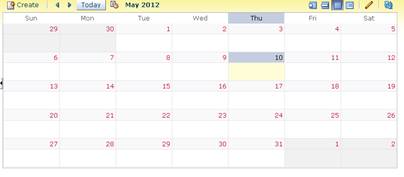
Calendar opens up the JConnect Calendar which is common for all employees. It
shows important events that are scheduled to be held in Jagran. The senior
leaders in Jagran and the content administrator are able to add entries in this
section.
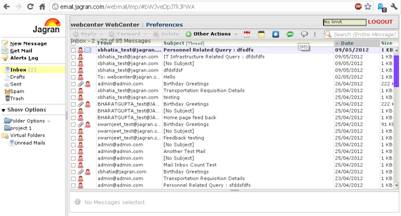
Mail opens up your web based email
application in a new window. This has an SSO feature, which means that you need
not enter your user credentials every time you open the webmail.
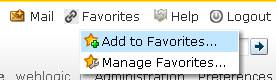
Favorites are the internal bookmarks
of the portal. If you think that a page is important and needs to be referred in
the future again you can save the page link with this functionality.
The help section opens up this
document.
Logout is used to sign off from the
portal.